Virtual Piano 🎹
Use your Keyboard or Mouse to play!
Optimized for Desktop & Laptop. Works on mobile and tablet for basic touch play
Z
S
X
D
C
V
G
B
H
N
J
M
Q
2
W
3
E
R
5
T
6
Y
7
U
I
9
O
0
P
[
=
]
♫ Explore Online Piano Lessons ♫
Book Your FREE DEMO Today | No credit card required
Enjoyed playing? Imagine what you could do with proper training!
This virtual piano is fun for exploration, but here’s the truth: random practice won’t make you a pianist. With the right guidance, you can build strong, lasting piano skills from the very beginning.
Social Proof
0
+ Students Started with this tool and now take regular Piano Coaching Online
Our Online Piano Classes Give you
Real-Time Feedback
Get instant corrections and guidance from certified instructors
Proper Technique
Learn correct hand position, posture, and finger placement from day one
Structured Curriculum
Follow a proven path from beginner to advanced with clear milestones
Music Theory Integration
Understand what you’re playing, not just memorize patterns
More About Online Piano
What is Virtual Piano?
A virtual piano keyboard is an application that simulates the real piano keyboard with 7 1/4 octaves of 88 keys. This online piano tool helps you learn to play a variety of music.

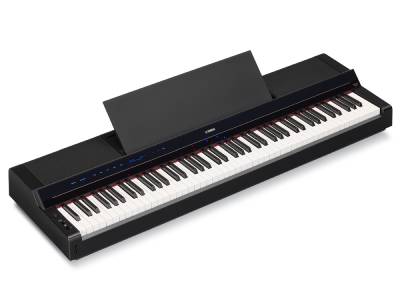
How to Play Bmusician Piano Keyboard Online
Use your computer keyboard or click the piano keys to play the piano.
-
use the mouse to click on the piano keys -
use your fingers to touch the piano keys on a touch screen -
use your fingers to press the computer keyboard keys (Numbers and Letters).
-
The keyboard’s top row of letters corresponds to the white keys, and the row of numbers corresponds to the black keys. -
You can play multiple notes simultaneously. -
You can use this online piano keyboard only on your desktop computer and laptop. -
You can play chords and melodies using your keyboard or mouse.